A practical Halloween party planning checklist covering the venue, schedule, sound, lighting, DJ equipment, staging, LED screens, lasers and technicians.
September 15, 2026
A Halloween party can look simple on a planning sheet: choose a venue, book a DJ, add lighting and invite guests. The problems tend to sit between those lines. The DJ expects equipment that has not been ordered. Production access starts after the room is already dressed. A speech microphone is added on the day. The LED screen receives the wrong content size. No one has agreed who is operating the lighting.
This Halloween party planning checklist is designed to catch those gaps. It covers private parties, company events, hotel functions, nightclub takeovers, university events and outdoor productions. Use the full list for managed production or take the relevant sections if you are arranging dry hire equipment.
If you want one supplier to coordinate the technical setup, see our Halloween event hire and production service.
Start with this short version. The sections below explain each item in more detail.
Do not treat the guest number as a complete technical brief. A seated dinner for 300 people, a standing club night for 300 and an outdoor event for 300 need different equipment and staffing.
If a task has no named owner, it is not part of the plan. It is a hope.
Write a simple description of the event in one or two sentences. Include the audience, venue style and main activity. For example: “A company Halloween party for 350 guests in a hotel ballroom, with welcome drinks, two short speeches and a DJ until midnight.”
That description immediately tells suppliers more than “Halloween party hire”. It shows that the system needs speech clarity, background music, a party transition and DJ playback.
Confirm:
Confirm the venue, intended capacity, event format and approximate budget. Ask the venue for its supplier rules, access hours, installed equipment details and any sound, lighting or laser restrictions.
Shortlist the production setup, confirm performers and collect technical riders. Decide whether you need sound, lighting, staging, DJ equipment, DJs, LED screens, lasers and technicians.
Ideally, approve the quote and equipment list by this point. Confirm access, crew timings, room plan and who is operating the event. Same-week production may still be possible, but the available equipment and technicians will be more limited.
Freeze the running order, guest-facing screen content, speeches and music cues. Send one approved version to the organiser, venue and technical lead.
Protect enough time for delivery, installation, testing, sound checks and a short cue rehearsal before guests enter.
The venue determines what can actually be installed. Ask for a site visit or accurate plans if the room is unfamiliar or the setup is complex.
Ask the venue or a competent supplier to confirm the available circuits, socket positions and loading. Do not assume that a nearby wall socket is suitable for a complete sound, lighting and screen system. If temporary power is needed, name the supplier responsible for it and include their delivery and test times in the schedule.
Mark the stage, DJ booth, dancefloor, tables, bar, registration, screen positions and technical control area. Check guest sightlines and routes. A screen that is large enough on paper may still be blocked by columns, low ceilings or a standing crowd.
The goal is even, intelligible coverage. Do not judge a proposal only by the number or wattage of the speakers.
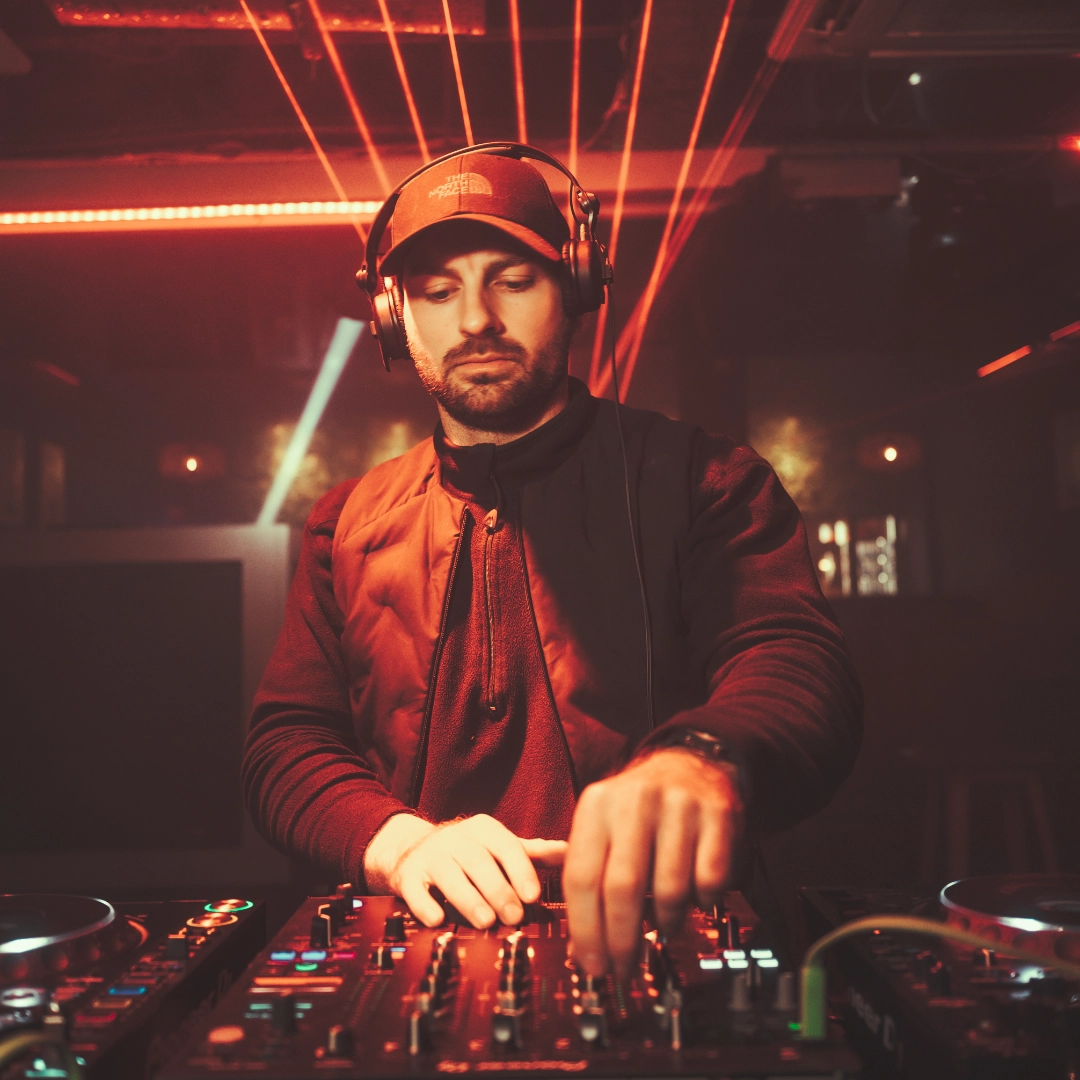
Beatz Hire can supply professional DJs and club-standard DJ equipment. If your DJ carries their own equipment, still confirm how it connects to the venue system and who is responsible for testing it.

A limited colour palette usually looks better than running every fixture in a different mode. Plan how the room changes during the evening and save the busiest effects for the main party period.
Lasers need their own decision, not a tick inside the general lighting list. Confirm that the venue permits them, the effect suits the room and a competent technician has planned the beam positions and operating method. Do not position or operate laser equipment casually around guests.
Include the event date, venue name and postcode, guest number, room plan, access times, event format, running order, performer riders, services required and any installed venue equipment. State whether the quote should include collection, delivery, setup, technicians and pack-down.
Also give a realistic budget range. It allows the supplier to prioritise the parts that affect the event most instead of building a proposal around assumptions.
Paraphrased feedback from a hospitality company in Berkshire: The install was calm, organised and completed within the venue schedule, and the room looked far better than expected.
Copy the relevant points into one event document and assign each task to the organiser, venue or production team. Keep one current running order and remove outdated versions from the event folder.
For sound, lighting, staging, DJ equipment, DJs, LED screens, lasers and technicians within a 90-minute drive of Reading, send Beatz Hire your Halloween event details. We recommend booking at least two weeks ahead, although same-week support may still be available.
Have a question or ready to get started? Let us know what you need, and our team will guide you every step of the way to make your event exceptional.
Reach out to us directly via email or phone—we’re here to assist you with any inquiries or bookings.
Stay connected and see our latest events, updates, and behind-the-scenes moments.


