Corporate Guide
What AV Gear Do I Need To Rent For A Corporate Presentation?
If you're planning a corporate presentation and not sure what AV gear to rent, this guide breaks it all down in plain English. You’ll see exactly which microphones, speakers, screens, lighting and accessories you need based on your room size and setup. It also explains the common mistakes people make when choosing AV and how to avoid them, so your presentation runs smoothly and feels professional from start to finish.
June 3, 2026
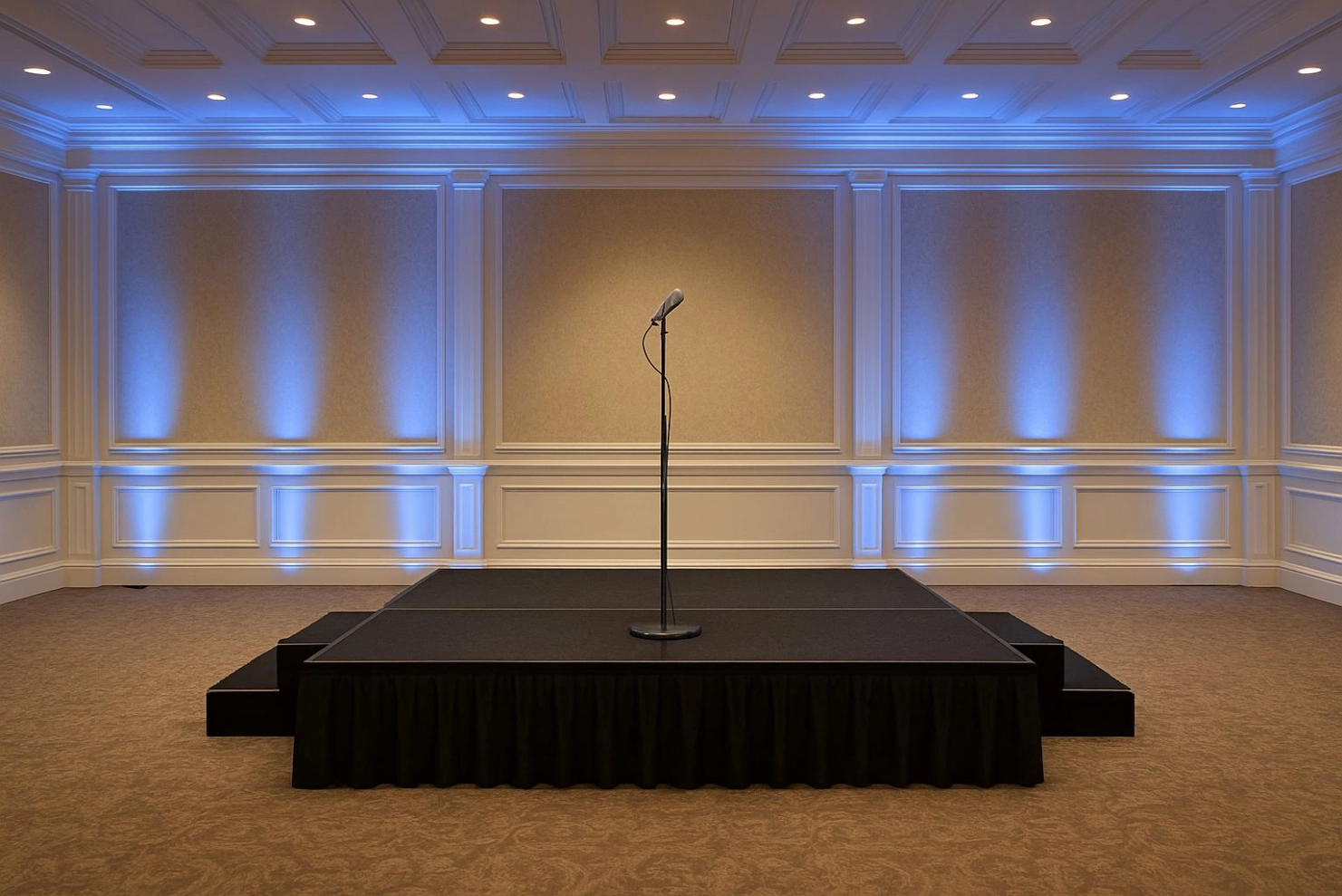
Planning a corporate presentation is stressful enough without worrying if the mic will cut out or the slides will lag on screen. The right AV setup stops all of that becoming a problem and lets your speakers focus on what they are there to do.
This guide walks through the core AV gear you actually need for a professional corporate presentation, how to scale it by room size, and when it makes sense to bring in a full event production team like Beatz Hire instead of trying to piece it all together yourself.
We will keep it simple, clear and practical.
Step 1: Get Clear On Your Presentation Setup
Before you even think about equipment, answer these questions:
- How many people are attending?
- Is it in a small meeting room, hotel function room, theatre or conference space?
- Is it in person only, or are you streaming to remote staff or clients?
- Will there be one presenter, or a panel with Q&A?
- Is this a one off, or part of a regular internal events calendar?
Your answers shape everything. A 20 person boardroom talk and a 200 person town hall have very different AV needs.
Core AV Equipment You Need For A Corporate Presentation
Think of your setup in four layers:
- Audio (people must hear clearly)
- Visuals (people must see slides and content clearly)
- Lighting (people must see the speaker clearly)
- Control and accessories (the boring bits that stop everything falling apart)
We will go through each.
1. Audio: Microphones, Speakers And Mixing
If people cannot hear clearly, the whole event falls apart. Do not cut corners here.
Microphones
For a typical corporate presentation you will usually combine:
- Lapel (lavalier) microphones
Small clip on mics that keep hands free. Ideal for keynote presenters and panel members. - Handheld wireless microphones
Best for Q&A, passing around the audience, or a host who wants flexibility. - Headset microphones
Useful for high energy speakers or training style presentations where the presenter moves around a lot.
For a single speaker in a small room, one lapel mic will do.
For a panel and audience Q&A, plan at least:
- 1 lapel per speaker
- 1 to 2 handheld wireless mics for the audience
Speakers
Speaker choice depends on room size and layout:
- Small boardroom (up to 30 people)
A compact pair of full range powered speakers on stands is usually enough. - Hotel function room or mid sized space (30 to 120 people)
Two higher output speakers on stands, sometimes with a small subwoofer if you have video content or walk on music. - Large conference or town hall (120 to 300+)
A distributed system or small line array setup to keep sound even from front to back.
A good AV provider will match speaker size and placement to the room, not just turn things up louder.
Mixer (Sound Desk)
Even a simple presentation benefits from a small mixer. You will need it if you have:
- More than one microphone
- Laptop audio for videos
- Walk on music
- A desire to adjust levels calmly rather than in a panic
The mixer lets a technician balance microphones, mute noisy channels, and keep volume comfortable.
“If people can’t hear the speaker or read the slides, nothing else matters. Most AV problems aren’t ‘bad luck’, they’re planning problems. Get the basics right early and the whole event feels effortless.”
2. Visuals: Screens, Projectors And Switching
People need to see your slides and any video content clearly, without squinting.
Display Options
Typical setups are:
- Large TV screen (55–86 inch)
Ideal for small rooms and boardrooms. Clean, sharp image and quick to set up. - Projector and screen
Best for 50–200 people in a hotel or conference space. You need enough brightness for the room and a screen large enough that text is readable from the back row. - LED screen or video wall
Used for larger stages, product launches or when you want a very bright display that cuts through room lighting.
Things To Check
- People at the back can read smallest bullet points
- Projector brightness suits the room (bright rooms need higher output)
- There is a clear line of sight without pillars or tall heads blocking the view
- Your laptop output (HDMI, USB C, DisplayPort) matches the inputs available
Switchers And Presentation Control
If you are only running one laptop, you can plug straight into the display.
If you have multiple sources, you will want a small switcher, for example:
- Main laptop for slides
- Backup laptop
- Media player for videos or stings
- Live camera feed for IMAG (image magnification)
The switcher lets the technician move between sources smoothly without the audience seeing your desktop chaos.
3. Lighting: Making The Presenter Visible
Corporate presenters are often lit badly. Room downlighters create harsh shadows, or the presenter stands in front of a bright screen and turns into a silhouette.
For anything beyond a tiny room, you should consider:
- Front wash lighting
A pair of soft, even lights focused on the stage or presentation area so faces are clear. - Simple colour accents
Uplighters on the back wall in brand colours. Helps your stage look intentional, not like a random corner of a room.
Good lighting is essential if you are:
- Filming the presentation
- Streaming to remote attendees
- Taking photos for company comms or social media
4. Recording And Streaming Gear (For Hybrid Or Remote Audiences)
If your corporate presentation is going to staff across multiple offices, you are in hybrid territory.
You may need:
- One or two cameras
One wide shot of the stage, one close up of the speaker or panel. - Capture device or streaming encoder
To send the camera signals into Zoom, Teams or your chosen platform. - Good quality audio feed
Audio from the mixer sent into the streaming computer, not just a laptop microphone listening to the room. - Solid internet connection
This is the one people forget. Always test bandwidth and stability beforehand.
Recording the session is also useful for:
- Internal training libraries
- Clients who could not attend
- Marketing snippets and social clips
5. Cables, Stands And All The “Boring” Essentials
The stuff that saves your event:
- Speaker stands and mic stands
- Power strips and extension reels
- HDMI, XLR and jack cables in sensible lengths
- Spare batteries for wireless mics
- Gaffer tape and cable ramps to keep everything safe and tidy
If you are renting from a professional company, ask for a complete kit including all fixings. You do not want to be hunting for a power lead on the morning of the event.
Should You Buy Or Rent AV Gear For Corporate Presentations?
When Renting Makes Sense
- You only run a few big presentations each year
- Venues change often, so setups are never the same twice
- You want delivery, setup and an engineer on site
- You need higher end kit for important clients or leadership events
In this case, renting from a company like Beatz Hire gives you:
- The right kit for the job
- A technician who has seen all the common problems before
- No storage, maintenance or repair headaches
When Buying Might Make Sense
- Regular small internal presentations in the same boardroom
- Simple needs such as one TV and a basic soundbar
- You have someone in house who is happy to look after kit and do simple setups
Most companies find a mix works best. Own the simple boardroom kit, and rent full systems when you are hosting larger audiences or high stakes events.

Matching AV Gear To Event Size: Simple Examples
Use these as rough starting points. Your final setup depends on the room.
Small Presentation (Up To 30 People, Boardroom Or Small Meeting Room)
- 1 lapel mic or handheld wireless
- 2 compact powered speakers
- 1 small mixer
- 1 large TV screen or short throw projector and screen
- Basic lighting if the room is dark or has awkward downlights
Medium Presentation (30–120 People, Hotel Function Room)
- 2 to 4 wireless mics (mix of lapel and handheld)
- 2 full range speakers on stands, plus sub if you have video or walk on music
- Small to mid sized digital mixer
- Projector and screen, or a larger TV screen on a stand
- Front wash lighting on stage, plus simple uplighting
Large Corporate Session (120–300+ People, Auditorium Or Town Hall)
- Multiple wireless mics for presenters and Q&A
- Line array or distributed speaker system
- Digital mixer with enough inputs and outputs
- Projector with large screen, or LED wall
- Stage lighting, including front wash and accents
- At least one camera for IMAG or streaming
Common AV Mistakes To Avoid
You see the same problems again and again:
- Leaving AV decisions to the last minute so you get whatever is left
- Relying on a tiny built in projector in a bright room
- Assuming the venue’s “included sound system” is enough without testing it
- Under estimating how much audio you need for the size of the room
- Forgetting about rehearsals and soundchecks
- Putting the presenter in front of the screen with no lighting, so they disappear
The fix is simple. Plan AV early, be honest about room size and audience numbers, and work with a provider who can show you what has worked for similar events.
Working With Beatz Hire For Corporate Presentations
Beatz Hire already supports conferences, product launches and corporate events right across the South East, including Surrey, Sussex, Kent, Hampshire, Berkshire, Buckinghamshire, Oxfordshire and Greater London.
For a typical corporate presentation we can:
- Help you spec the exact AV gear you need
- Deliver, set up and test everything before guests arrive
- Provide an on site engineer to manage sound, visuals and any live streaming
- Pack down at the end so your team can leave when the event finishes
If you have a clear idea of your setup, you can pick items through our dry hire range and build your own package.
If you want a simple, stress free option, we can put together a complete AV package based on your room, audience size and format.
Next Step
If you have a corporate presentation coming up and you are not sure where to start, send over:
- Date and venue
- Number of guests
- Rough agenda and format
- Whether you need recording or streaming
From there, we can recommend a clear AV package, explain it in normal language, and give you a straight price so you know exactly what you are getting.