If people can’t hear the speaker clearly or see the slides from the back row, your conference fails. This guide breaks down the AV that matters for corporate conferences, what you can skip, and the questions to ask your venue so the day runs smoothly.

January 31, 2026
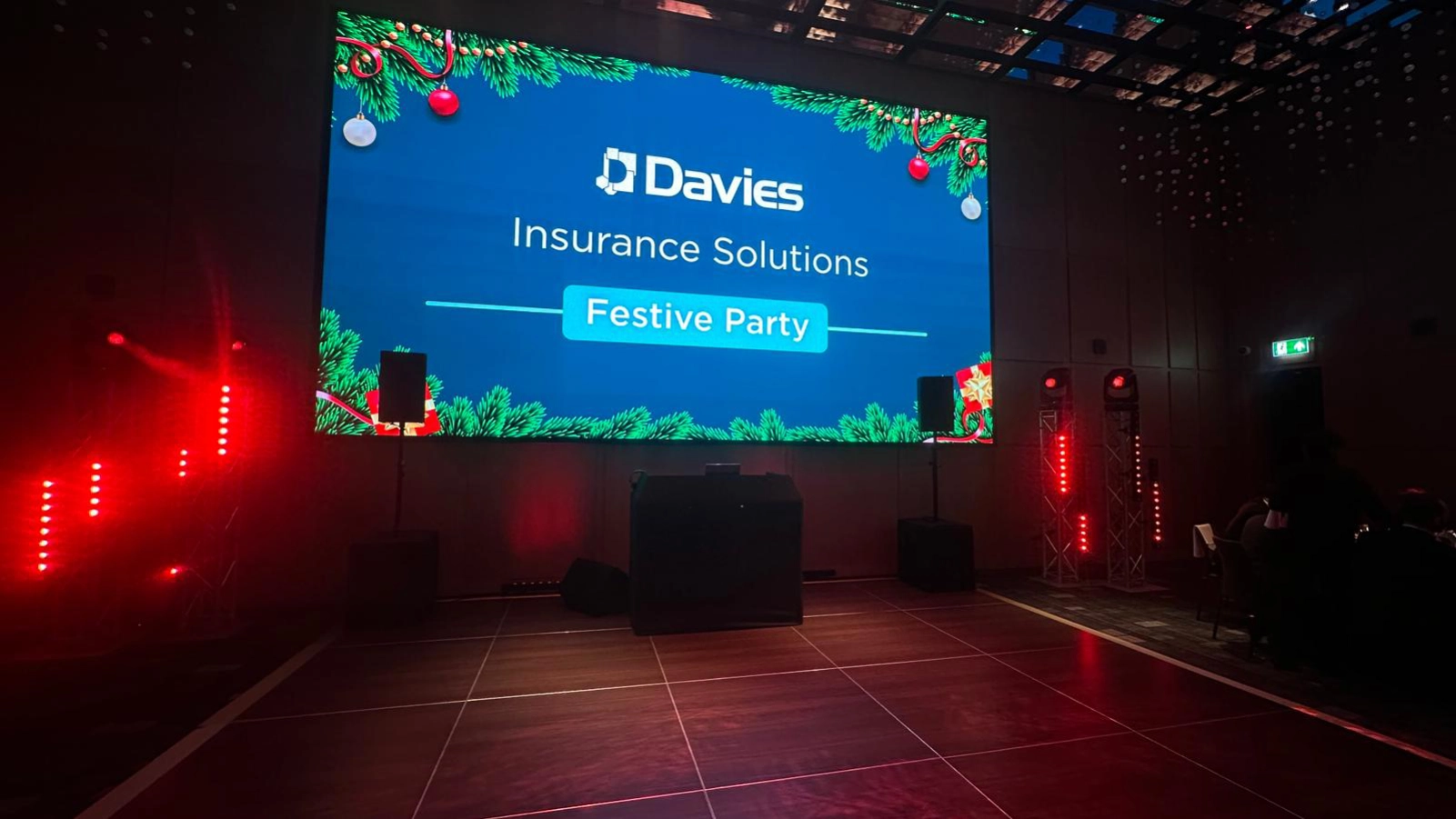
Corporate conferences are not concerts. You’re not trying to impress people with effects, you’re trying to deliver information clearly, without tech drama.
A solid setup does three things:
If your AV plan doesn’t protect those three things, it’s not a plan.
Before you talk about screens or microphones, lock in the format. Most corporate conferences fall into one of these:
Your format decides your mic count, your audio mixing needs, and whether you need cameras.
If your visuals are slightly washed out, people grumble. If your audio is bad, people tune out.
What you actually need
Reality check: in hotel suites, room acoustics can be tricky. High ceilings, hard walls, weird layouts. That’s where the tuning and speaker placement matters.
You need people at the back to read the key points without squinting.
Options that usually work
Don’t guess screen size
If you’re expecting 150 to 200 people, the room depth matters more than the guest count. A wide room needs a different plan than a long room.
Also, plan for a backup laptop or at least a backup clicker. People love to “just use my Mac” five minutes before doors open.
This is where a conference stops looking like a meeting and starts looking like a proper event.
What you usually need
If you’re recording or streaming, lighting matters more. If you’re not, keep it simple.

This is where most people get caught out. Ask these early and you avoid last-minute stress:
If the venue pushes you into a package you don’t understand, ask for a line-by-line breakdown. Half the cost is often logistics, staffing, and venue rules, not just “a screen and a mic”.
Buying makes sense only if you run conferences constantly and you have someone who actually knows how to operate the kit.
Hiring makes sense for almost everyone else, because:
If you’re running a corporate conference with speakers, a room full of guests, and a schedule you can’t slip, the sensible move is hiring with technical support.
Next step if you’re planning a corporate conference:
Write down your guest count, room layout (even a photo helps), number of speakers, and whether you need Q&A or hybrid. With that, an AV team can recommend a setup that fits, without overcomplicating it.
Have a question or ready to get started? Let us know what you need, and our team will guide you every step of the way to make your event exceptional.
Reach out to us directly via email or phone—we’re here to assist you with any inquiries or bookings.
Stay connected and see our latest events, updates, and behind-the-scenes moments.


